Monitorius Help explains how to set up a search, understand plan limits, use alerts safely and handle cancellation. Start with a small, specific search and check each listing yourself after an alert. For subscription information, use the official plan page and the English terms; for marketplace rules, use Vinted’s Help Centre.
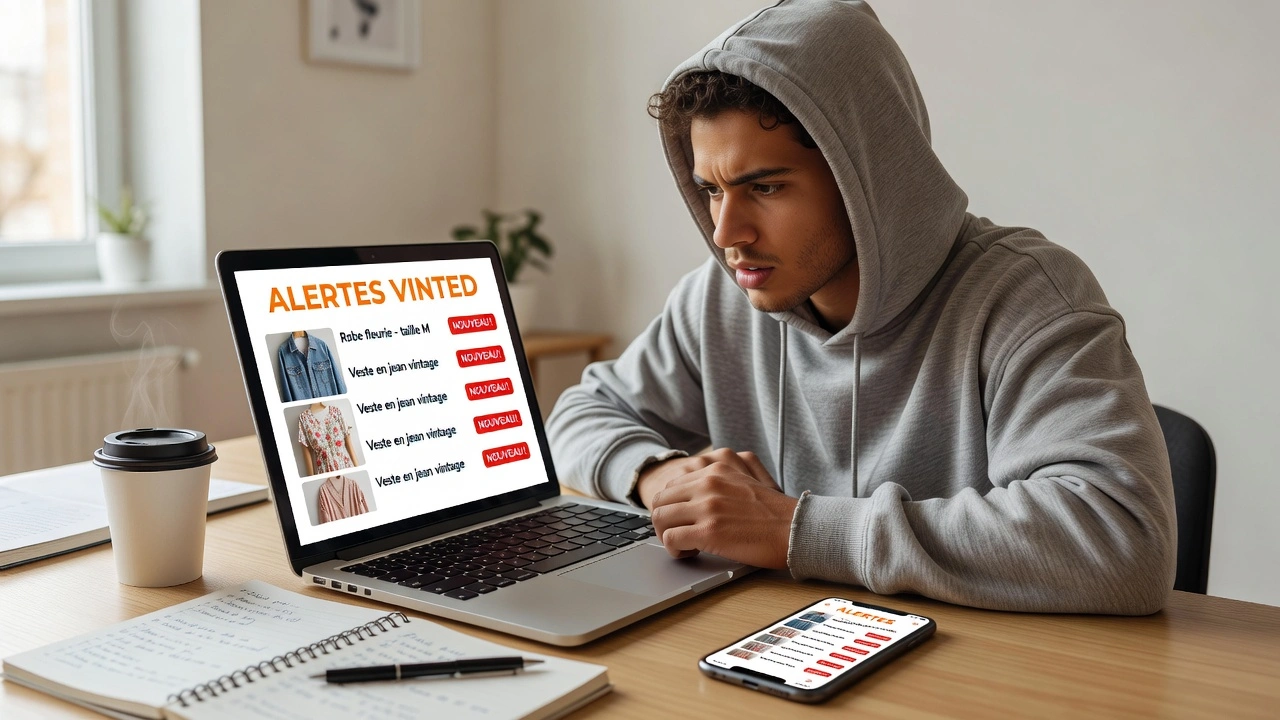
Monitorius Help: setup and safety
Use this Monitorius Help page as a checklist: start with a narrow search, test the alert flow, review each listing yourself and confirm the current plan before subscribing. Monitoring can save time, but it does not replace your decision, the marketplace rules or the checks needed before a purchase.
If a feature, price or cancellation condition is important to you, confirm it on the current official offer and the relevant terms. Keep your search criteria specific so that alerts remain understandable and actionable.
This Monitorius Help hub connects setup, safety and subscription questions: use the Vinted alerts guide for search criteria, Pricing for current plans and the English Terms of Sale for contractual details.
Last verified: 12 August 2026. Monitorius is independent and is not affiliated with, endorsed by or sponsored by Vinted.
How do you set up your first Vinted monitor?
Begin with one product or brand you understand. Add the category, size and a maximum price. Keep the first search narrow, review the first alerts and then adjust the criteria only when you see a clear reason to do so.
Setup, limits and safety at a glance
| Topic | What to do | Where to check |
|---|---|---|
| First search | Use a clear product, brand, size and maximum price. | Vinted alerts guide |
| Plan limits | Review the current features and limits before joining. | Pricing and terms |
| Item safety | Inspect photos, description, seller and price after every alert. | Official Vinted Help Centre |
| Account security | Never share passwords or verification codes because of an alert. | Official marketplace support |
| Cancellation | Use the current subscription path and consult the applicable terms. | Terms of Sale |
What should you do after receiving an alert?
Open the listing and inspect the item rather than reacting to the notification alone. Check photos, defects, measurements, description, seller information and price. Alerts are useful for discovery; they are not a guarantee of authenticity, availability, value or profit.
How do cancellation and refund information work?
Before joining, review the current plan page, the English Terms of Sale and the English Refund Policy. The current checkout and these policies are the sources to consult for your specific plan and situation.
Facts and editorial view
| Type | Statement |
|---|---|
| Fact | Vinted maintains marketplace help and safety information in its official Help Centre. |
| Editorial view | Starting with one narrow search is the simplest way to learn which filters genuinely improve alert quality. |
More English resources
Learn what a Vinted bot is, compare Vinted monitoring tools, or read the Vinted reselling guide. Return to the Monitorius homepage to begin.
Frequently asked questions
How do I create a Vinted alert?
Choose one specific search, set practical criteria and review the notifications you receive. Adjust the search after you have seen real results.
Does Monitorius guarantee that a listing is safe?
No. You must inspect every listing and follow the official marketplace process.
Where can I see the current subscription terms?
Use the Pricing page, the official Whop offer and the English terms before subscribing.